> For the complete documentation index, see [llms.txt](https://wowmax.gitbook.io/product-docs/llms.txt). Markdown versions of documentation pages are available by appending `.md` to page URLs; this page is available as [Markdown](https://wowmax.gitbook.io/product-docs/dex-copy-trading/how-to-copy-trade.md).
# How to copy trade
Copy trading on WOWMAX is extremely easy - follow these steps.
> "To copy, or not to copy, that is the question”
1. Finding and selecting wallets for copy-trading is the most important task.
To find great wallets use the following methods:
* Check the wallets selected by community members - [link](https://docs.google.com/spreadsheets/d/1vXhKbwgOO-uMeu57Un4xQ5S1V_ElGNmkmg4I7T19068/edit?usp=sharing)
* Check the most followed wallets by sorting them by the number of followers on the main page
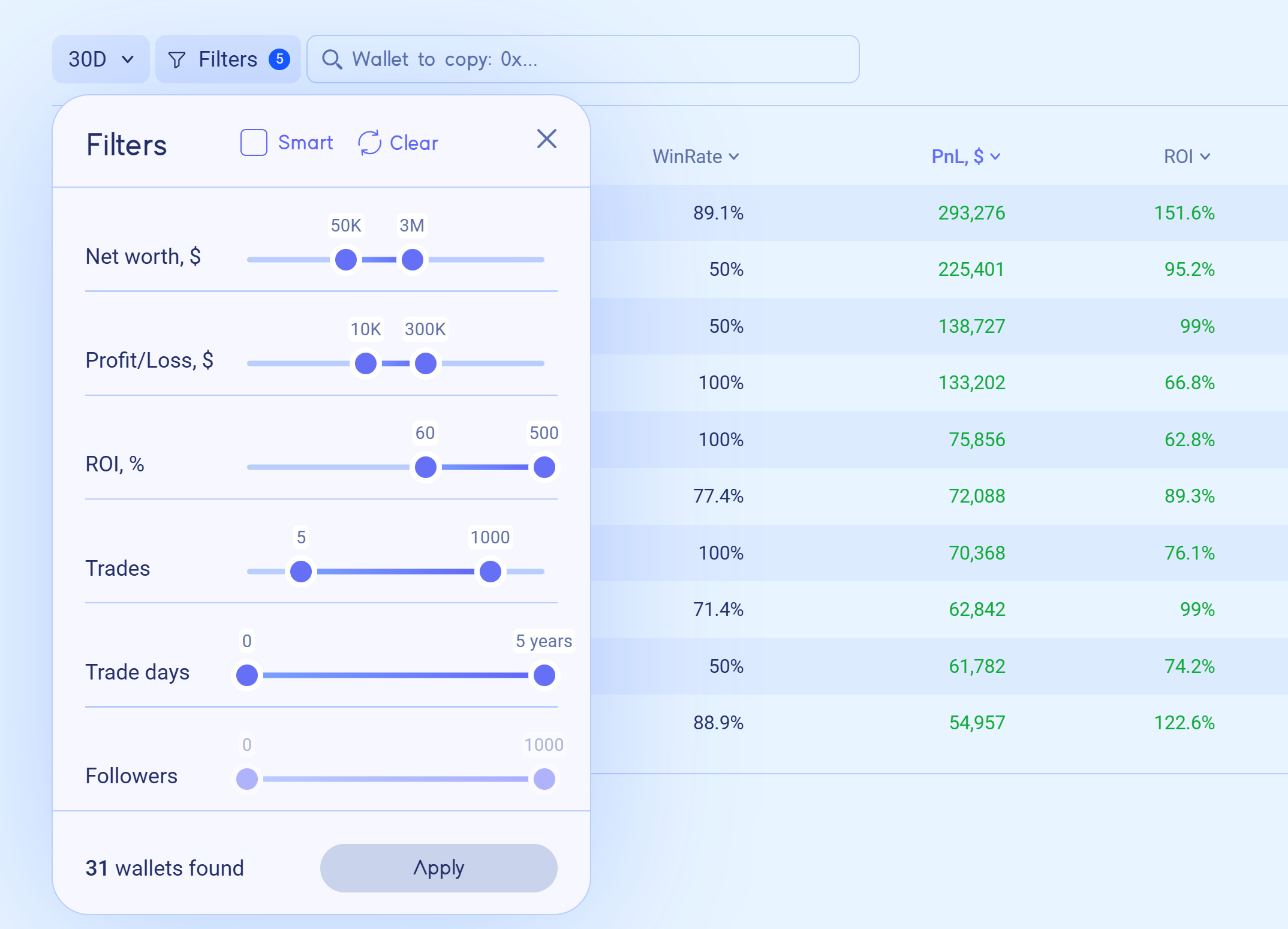
* Use a Smart filter or any other custom filter on the main page to see wallets that fit your criteria
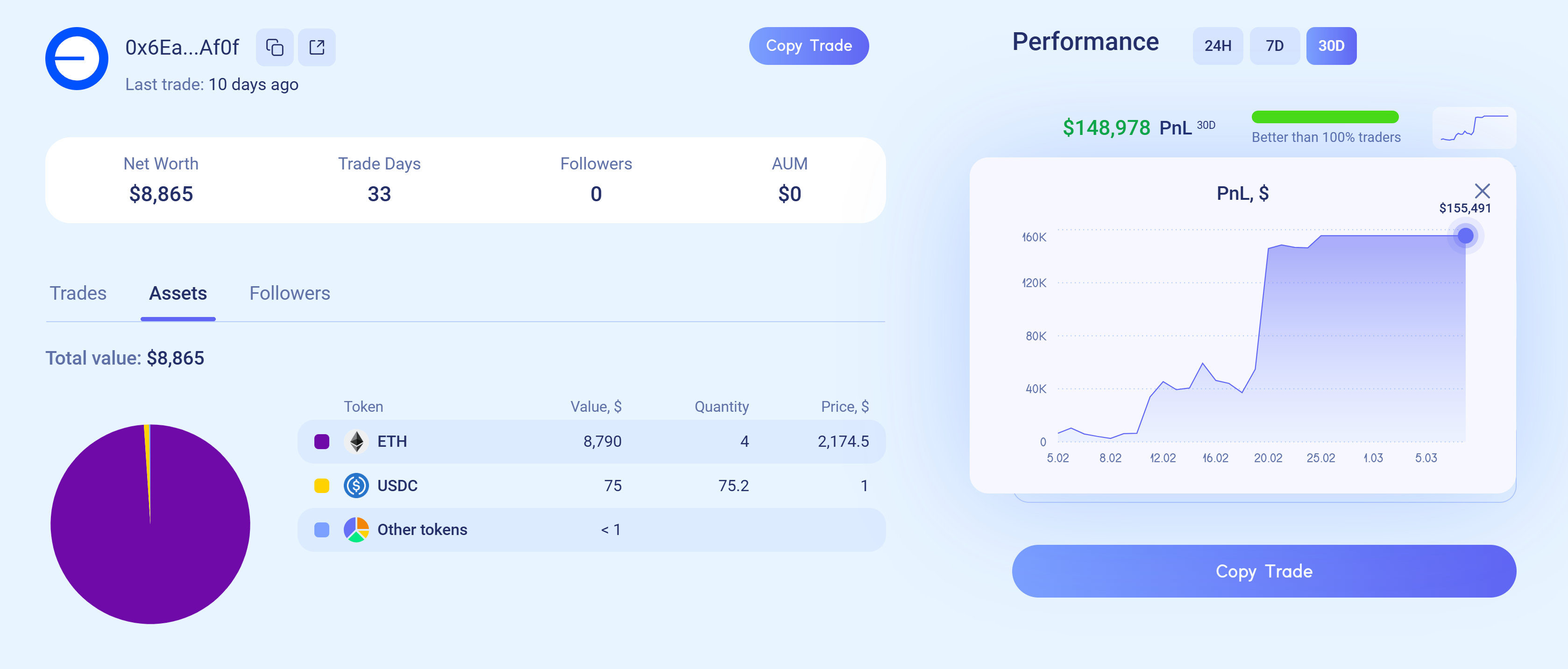
2. Click on the wallet's profile to review recent trades, current holdings, and performance metrics.
**Tip 1:** *WOWMAX calculates PnL by combining realized and unrealized profits. Be cautious of wallets showing large profits only on paper, especially if they're holding significant amounts of illiquid coins. Evaluate wallet performance carefully over different timeframes—24 hours, 7 days, and 30 days—to gauge consistency and real trading effectiveness.*
**Tip 2:** *The most profitable wallets by ROI often generated their returns from just one fortunate coin that significantly increased in value. Such wallets may still hold only that single asset. Because the smart contract initially copies the wallet’s exact portfolio, consider carefully if you want your entire deposit allocated exclusively to that token.*\
\
**Tips 3:** *Effective DEX copy-trading relies on proven track records, diversified assets, and wallet variety rather than luck. It is significantly safer and typically more profitable to copy 20-30 wallets with smaller allocations instead of relying on just depositing into one or two seemingly "best" wallets.*
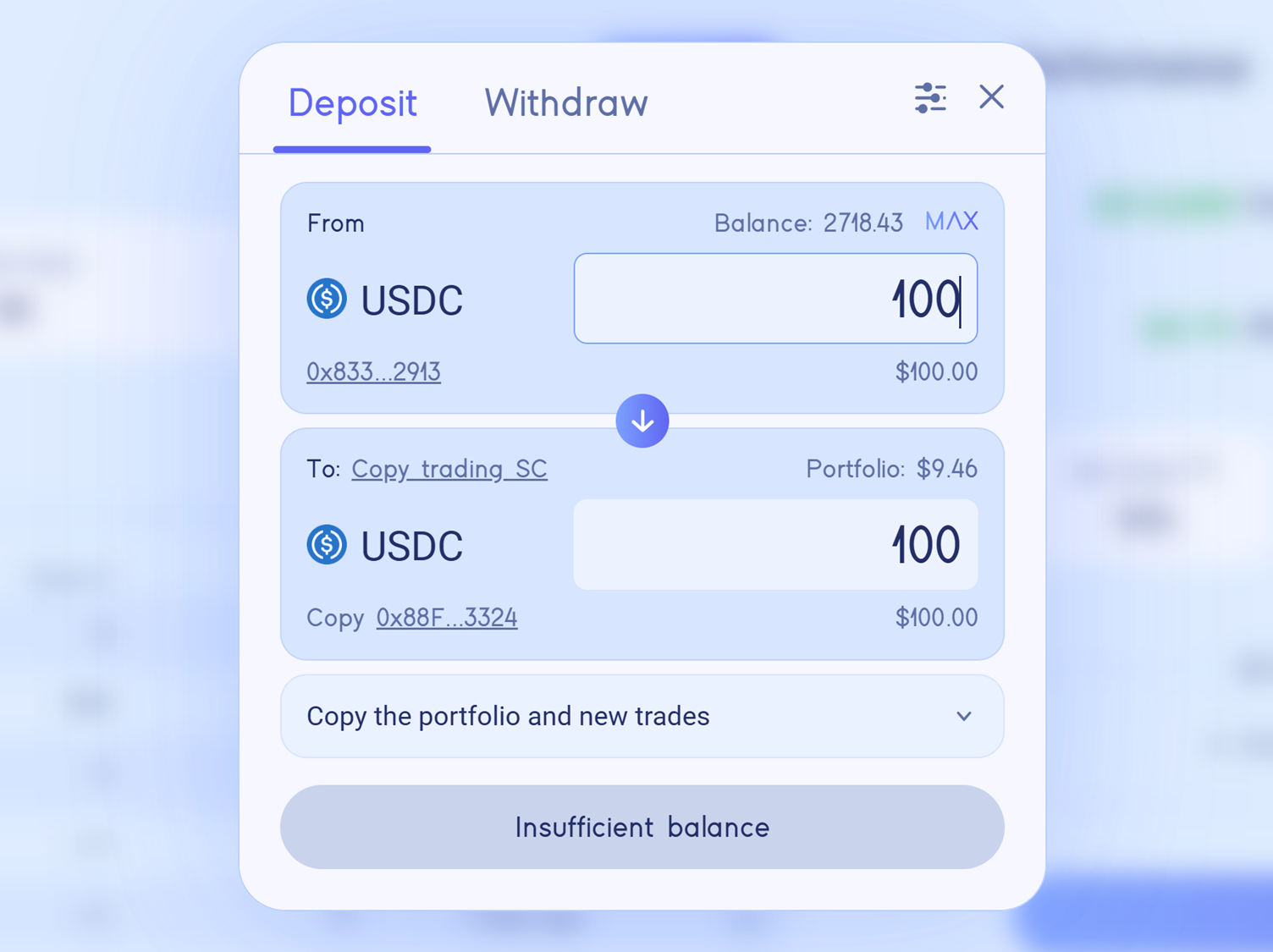
3. Once you selected a wallet to copy-trade deposit USDC on Base chain into the WOWMAX smart contract. The smart contract copies the entire coin portfolio of the selected wallet. Every buy or sell made by the wallet is instantly copied, with trades executed in the next block.
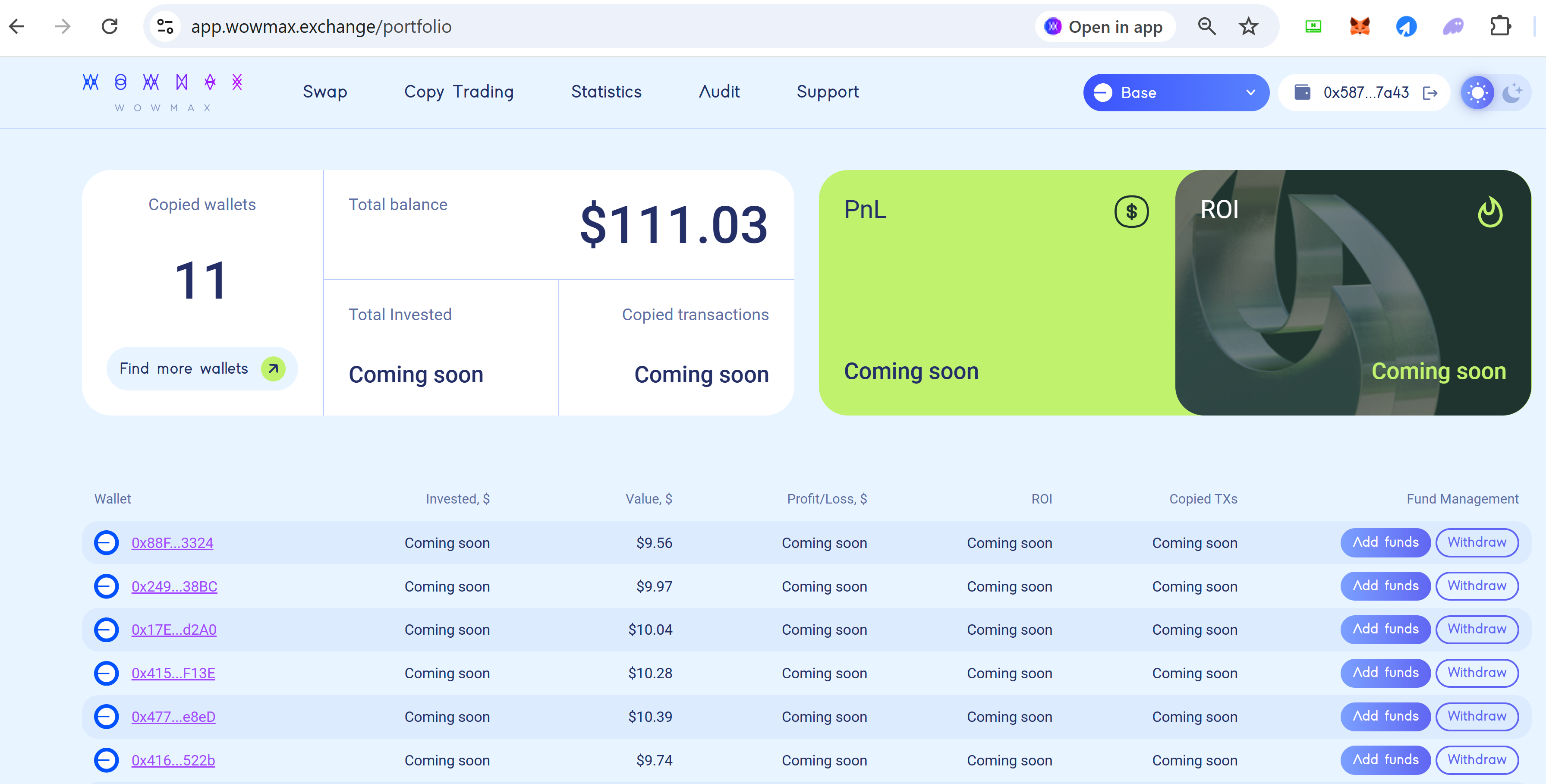
4. Portfolio page - displays all wallets that you currently copy-trade.
Inside each wallet, you can view the assets previously copied and currently managed by the smart contract on your behalf.
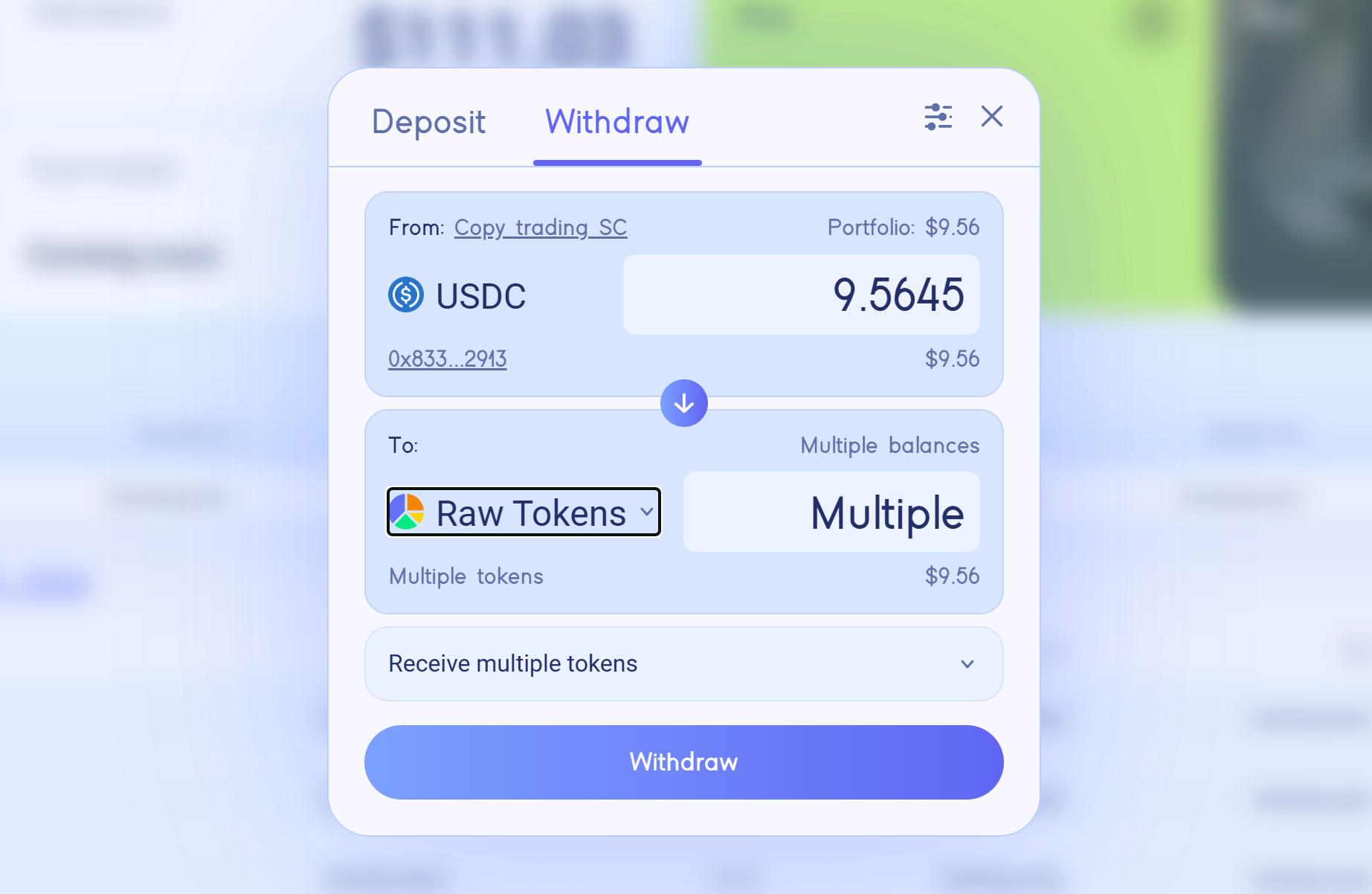
5. You can withdraw your funds at any time, either by receiving the raw tokens currently held by the smart contract or by converting all assets into USDC upon withdrawal.